
Troubleshooting & Support – Fix Common V9 Game Problems
If you use V9 Game regularly, you may occasionally run into technical issues such as installation errors, login failures, pending withdrawals, or network connection problems. While these issues can be frustrating, most of them have simple solutions that you can resolve in just a few minutes.
This troubleshooting & Support is designed to help users identify common V9 Game problems and fix them step by step. Whether you are a new player installing the app for the first time or an existing user facing account-related issues, this guide provides practical solutions in easy-to-understand language.
Why Does V9 Game Sometimes Show Errors?
Like any online gaming platform, V9 Game relies on internet connectivity, device compatibility, and server availability. Problems may occur because of:
- Slow or unstable internet connection
- Using an outdated version of the application
- Insufficient device storage
- Incorrect login credentials
- Temporary server maintenance
- Security verification checks
- Payment processing delays
Most of these issues are temporary and can be resolved without technical knowledge.
Common V9 Game Problems
Below are the most common issues reported by users along with dedicated troubleshooting guides.
1. App Not Installing
Sometimes the V9 Game APK does not install successfully after downloading.
Common reasons include:
- Unknown Sources permission is disabled
- APK download is incomplete
- Device storage is full
- Android version is outdated
- Corrupted installation file
What You Can Do
- Download the latest APK again.
- In your device settings, activate the option that allows installation of apps from unknown sources.
- Delete unnecessary files to free storage.
- Restart your phone before installing.
- Check that your Android version is compatible with the latest release.
2. Withdrawal troubleshooting & Support
Your withdrawal request might take longer than usual to process.
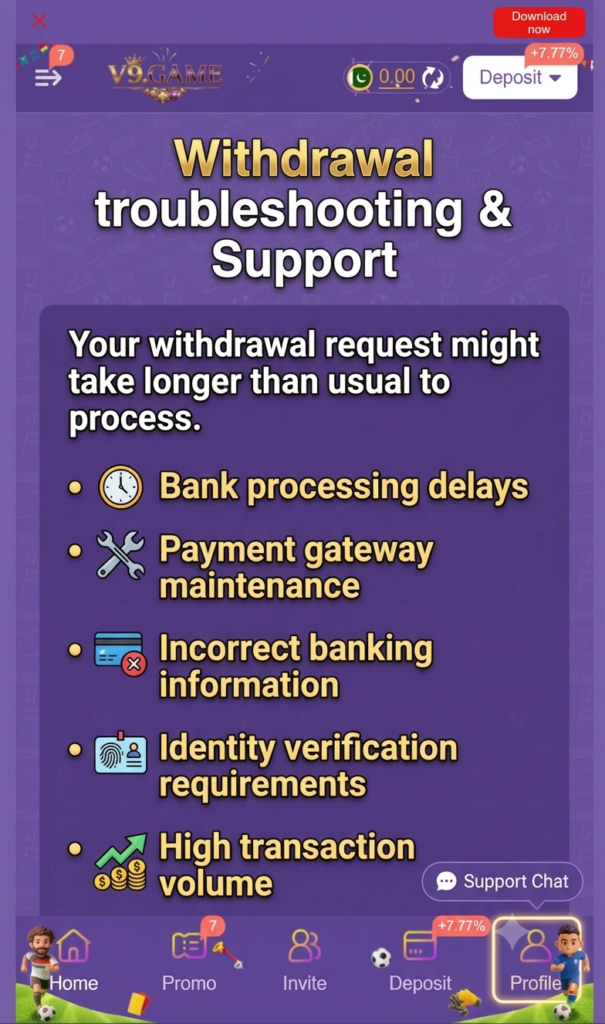
Possible reasons include:
- Bank processing delays
- Payment gateway maintenance
- Incorrect banking information
- Identity verification requirements
- High transaction volume
Quick Fixes
- Wait for the normal processing time.
- Double-check your payment information.
- Verify your account if requested.
- Avoid submitting multiple withdrawal requests.
- Reach out to customer support if your request takes longer than expected.
3. Forgot Password Recovery
Forgot your password? Account recovery is usually quick and easy.
Recovery Steps
- Open the login page.
- Select Forgot Password.
- Enter your registered phone number or email.
- Verify the security code.
- Create a strong new password.
- Log in using your updated credentials.
Keep your password private and don’t share it with anyone.
4. Account Blocked Solution
An account may be temporarily restricted for security or policy reasons.
Possible causes include:
- Multiple incorrect login attempts
- Suspicious account activity
- Violation of platform rules
- Incomplete verification
- Use of unauthorized software
How to Resolve It
- Stop repeated login attempts.
- Verify your identity if requested.
- Review the platform’s terms and conditions.
- Contact customer support with your registered account details.
If the restriction is temporary, your account may automatically become accessible again after the security review.
5. Network Connection Error
Network errors usually prevent users from logging in or loading games properly.
Common Causes
- Weak mobile signal
- Slow Wi-Fi
- ISP issues
- VPN interference
- Server maintenance
Recommended Fixes
- Switch between Wi-Fi and mobile data.
- Restart your router.
- Disable VPN services temporarily.
- Restart the application.
- Check if the platform is undergoing scheduled maintenance.
General Troubleshooting Tips
Before trying advanced solutions, perform these simple checks.
Update the App
Using the latest version helps eliminate bugs and improves compatibility.
Restart Your Device
A quick restart clears temporary system issues that may affect the application.
Clear App Cache
Removing temporary files can improve loading speed and fix minor glitches.
Check Internet Speed
A stable internet connection provides the best gaming experience.
Free Device Storage
Keeping sufficient storage available helps the application run smoothly.
Avoid Modified APK Files
Always install the original version to reduce installation and security problems.
Frequently Asked Questions
Tips to Prevent Future Problems
You can avoid many common issues by following these best practices:
- Install only the latest official version.
- Keep your device updated.
- Use a reliable internet connection.
- Protect your login credentials.
- Enable account verification if available.
- Keep enough storage space on your device.
- Restart the application after every major update.
Explore More Support Guides
Our Troubleshooting & Support center includes detailed solutions for the following topics:
- App Not Installing Error
- Withdrawal Pending Problem
- Forgot Password Recovery
- Account Blocked Solution
- Network Connection Error
Each guide explains the causes of the issue, step-by-step fixes, preventive measures, and answers to frequently asked questions so you can resolve problems quickly.
Final Thoughts
Technical issues are a normal part of using any online gaming application, but they are often easy to fix with the right guidance. The V9 Game Troubleshooting & Support Hub is here to help you fix the most common problems you might run into.
If you experience installation failures, login difficulties, pending withdrawals, or connection errors, start with the relevant guide linked above. Following the recommended steps can save time and help you get back to using the platform without unnecessary delays.
As new updates and features become available, this support hub should be updated regularly to include additional troubleshooting articles and solutions, helping users find accurate answers whenever they need assistance.